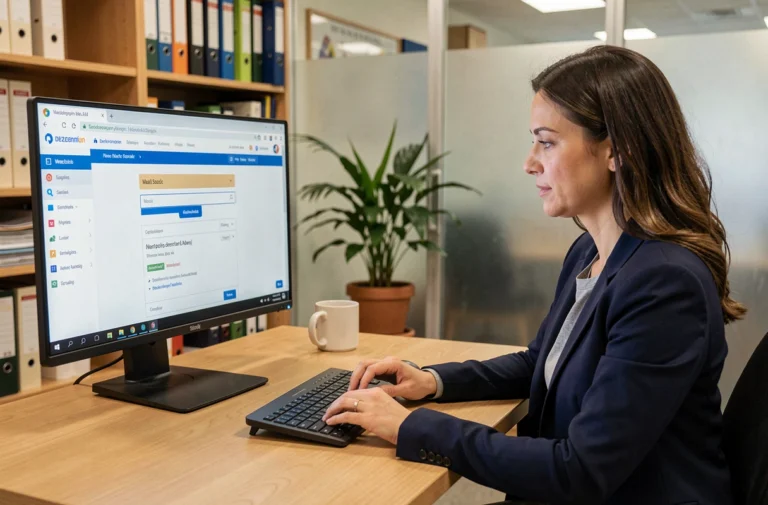
You receive an email with credentials to access an online space that you did not request. Don’t panic: if you are concerned by a legal protection measure (guardianship, curatorship), this message likely comes from your judicial representative. It grants you access to Mon Proxima, the platform that centralizes the monitoring of your rights, accounts, and documents.
Why the Mon Proxima account is not like other accounts
On most online services, you create your account yourself with an email address and a password. Mon Proxima works differently. Only the judicial representative can create your access, from their own guardianship management software.
Specifically, the representative enters your information into Proxima, and then the system generates an invitation sent to the email address they have recorded. Therefore, you will not find any “Create an account” button on monproxima.fr. If you have not received anything, the first step is to contact your representative to verify that your email address is correct in their records.
This process may seem rigid. It exists for a specific reason: the platform manages sensitive data related to a legal protection measure. Limiting account creation to authorized professionals reduces the risk of unauthorized third parties accessing the information of a protected adult. To better understand how to log in to my Mon Proxima account and utilize all the features of this space, you must first grasp this logic of controlled delegation.
Logging into Mon Proxima: concrete steps from a browser
Mon Proxima does not have a native mobile app to download. Login is done from a web browser (Chrome, Firefox, Safari) on a computer, tablet, or phone. Go to monproxima.fr, then click on the login area.
You will need two elements: the identifier sent by email and the temporary password provided in the same message. During your first login, the platform will ask you to change this password.
Choosing a strong password for a protected space
Your account contains bank statements, legal documents, and personal information. The password deserves special attention. Here are some practical tips:
- Mix uppercase letters, lowercase letters, numbers, and special characters. A password like “Tulipe$2026!” is more robust than “password123”.
- Do not use the same password as for your email account. If one is compromised, the other remains protected.
- Write it down in a safe place (personal notebook stored at home, password manager). Avoid sticky notes on the screen.
If you lose your password, the reset procedure goes through the email address associated with the account. Keep reliable access to this email account, as it is the only recovery channel.
Managing your rights on the platform: what you can see and do
You have access to your space. What does it contain exactly? It depends on the scope that your representative has configured. Mon Proxima centralizes several types of information related to your protection measure.
Consulting accounts and files
The platform displays banking transactions transmitted by the representative, archived documents (invoices, administrative letters), and the monitoring of the ongoing legal measure. You can consult, but you cannot modify the entries. The representative remains responsible for accounting management.
This distinction is fundamental. Mon Proxima gives you visibility into your financial situation without entrusting you with the data entry tools. It is a space of transparency, not an autonomous management tool.
Sharing access with a relative or family guardian
Have you ever needed a family member to consult your documents on your behalf? On Mon Proxima, access sharing always goes through the representative. You cannot invite a third party directly.
If you want a relative to follow your case, you must request it from the professional managing your measure. They decide, based on the legal framework, whether to grant limited or full access to that person. This procedure protects protected adults from unwanted consultations.

Personal data security on Mon Proxima
The platform stores sensitive data: income, assets, identity documents, court decisions. The question of security goes beyond the password.
- Log out after each session, especially on a shared device (family computer, tablet in a nursing home).
- Check the website address in the browser bar: it should start with “https” and display monproxima.fr. A site that looks like Mon Proxima but has a different address is potentially fraudulent.
- Never share your credentials by phone or email, even with someone claiming to be your representative. Professionals do not need your codes to access their own interface.
Phishing attempts also target protected individuals. An email asking you to “confirm your banking details via Mon Proxima” is almost certainly a scam. If in doubt, call your representative directly.
Mon Proxima imposed as a reference tool: what this changes
The transition to Mon Proxima as a standardized tool for managing protection measures changes the daily lives of users and professionals. For representatives, the platform gradually replaces paper spreadsheets and scattered files. For protected adults, it offers direct access to information that previously only passed through postal mail.
This transition involves a constraint: mastering a minimum of digital tools to exercise your rights. If you are not comfortable with a web browser, ask your representative or a caregiver to assist you during the first logins. Some home assistance services also offer digital support.
The issue goes beyond simple login. Regularly accessing your space allows you to verify that banking transactions match reality, that documents are properly archived, and that the protection measure is functioning in your best interest. It is a concrete lever for autonomy, provided you know how to use it.