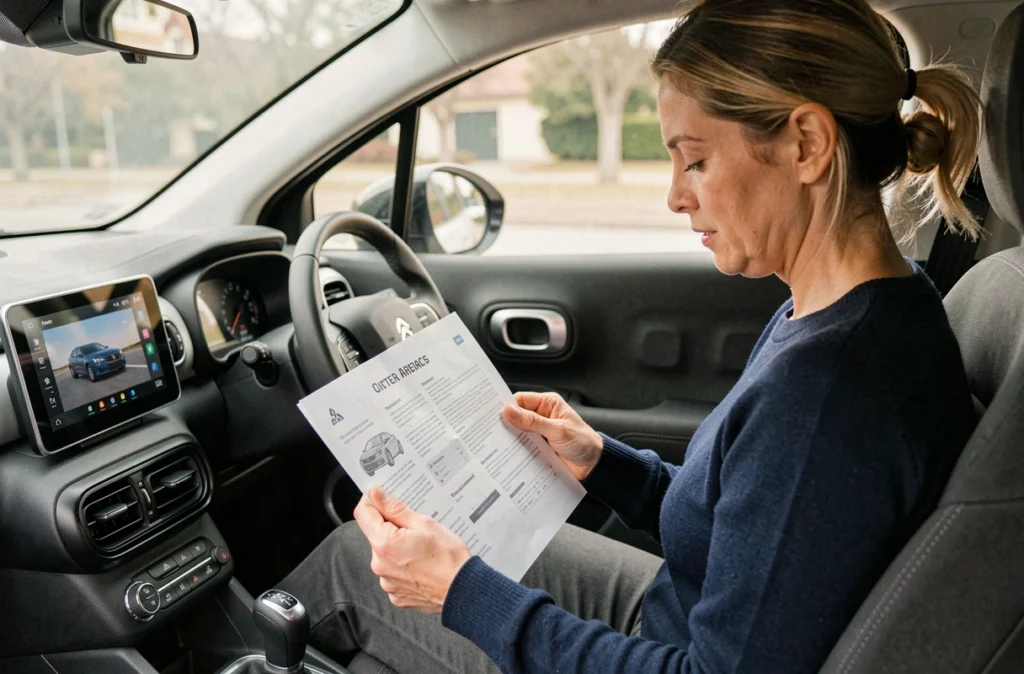
You just picked up your Citroën C3 Aircross, you get inside, and the touchscreen in the center of the dashboard displays a home screen you’ve never seen before. No paper manual in the glove compartment. The Citroën C3 Aircross touchscreen now consolidates navigation, radio, phone, and several vehicle settings. For a beginner, understanding how it works requires knowing where to find the documentation and how to master the basic gestures.
Citroën C3 Aircross Touchscreen: When the Paper Manual Disappeared
On recent versions of the C3 Aircross, Citroën no longer systematically provides a complete printed user guide. The manufacturer directs users to three digital channels to access the manual.
- The online portal service.citroen.com allows you to view or download the user guide by selecting the language, vehicle model, and the publication period corresponding to the first registration.
- The MyCitroën App provides access to online content, while the Scan MyCitroën app offers an offline version that can be viewed directly on your phone.
- A QR Code printed in the vehicle links to the digital guide, which means you need to have a smartphone handy when the question arises.
This shift to all-digital poses a real problem in everyday life. You’re in a parking lot, trying to figure out how to activate the parking assist, and the answer is buried in a PDF of several hundred pages. To quickly find information, download the complete guide to your phone before your first trip. This way, the manual for the Citroën C3 Aircross touchscreen remains accessible even without a network.
Touch Navigation and Voice Command: Two Ways to Control the System
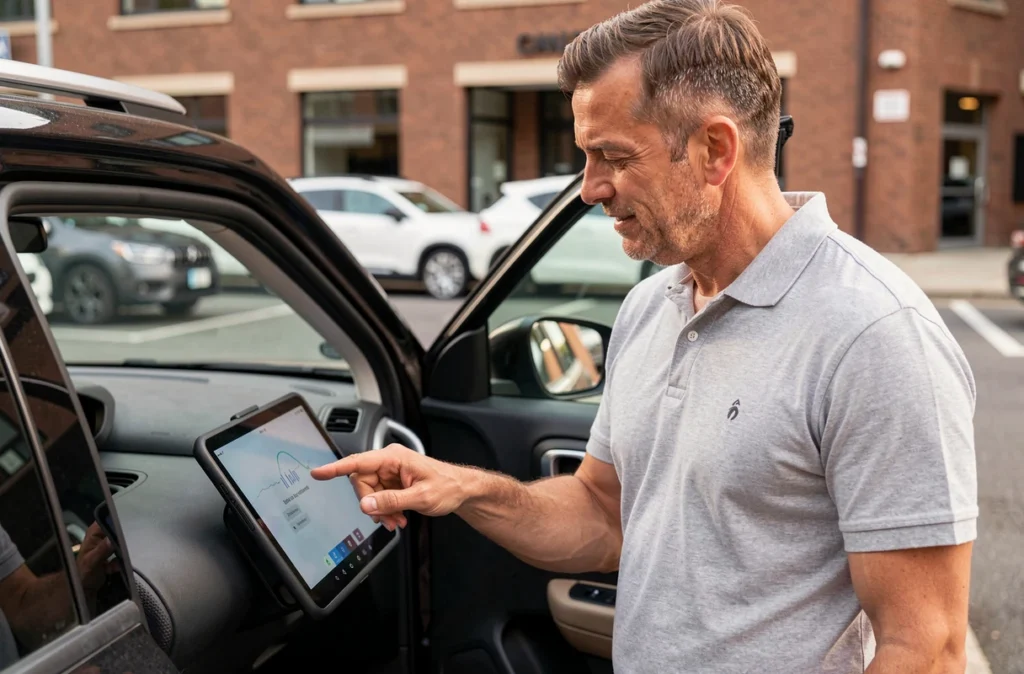
The C3 Aircross touchscreen is no longer operated solely by touch. In recent versions, voice command is presented as a practical aid to avoid navigating through menus while driving. You say your destination or the name of a contact, and the system executes the command without you taking your eyes off the road.
Have you noticed that some sub-menus require three or four successive taps on the screen? That’s exactly where voice saves time. Navigation, changing radio stations, and making phone calls are the three functions easiest to trigger by voice.
Basic Touch Gestures to Know
The screen responds to the same gestures as a smartphone. A short tap selects an item. A sideways swipe scrolls through shortcut pages. A long press on an icon sometimes opens a context menu.
Avoid pressing too hard on the screen: the capacitive touchscreen detects contact, not pressure. Forcing it only wears down the surface and slows your gesture. If the screen does not respond, check that your fingers are not wet or gloved, as the capacitive touch does not respond well under these conditions.
Voice Command: What It Understands and What It Ignores
The voice command works well for direct and short orders. It manages connected navigation, music, and calls. However, it does not allow you to modify vehicle settings such as screen brightness or mirror configuration. These adjustments must be made through the touchscreen or physical controls.
Real-Time Connected Services on the C3 Aircross
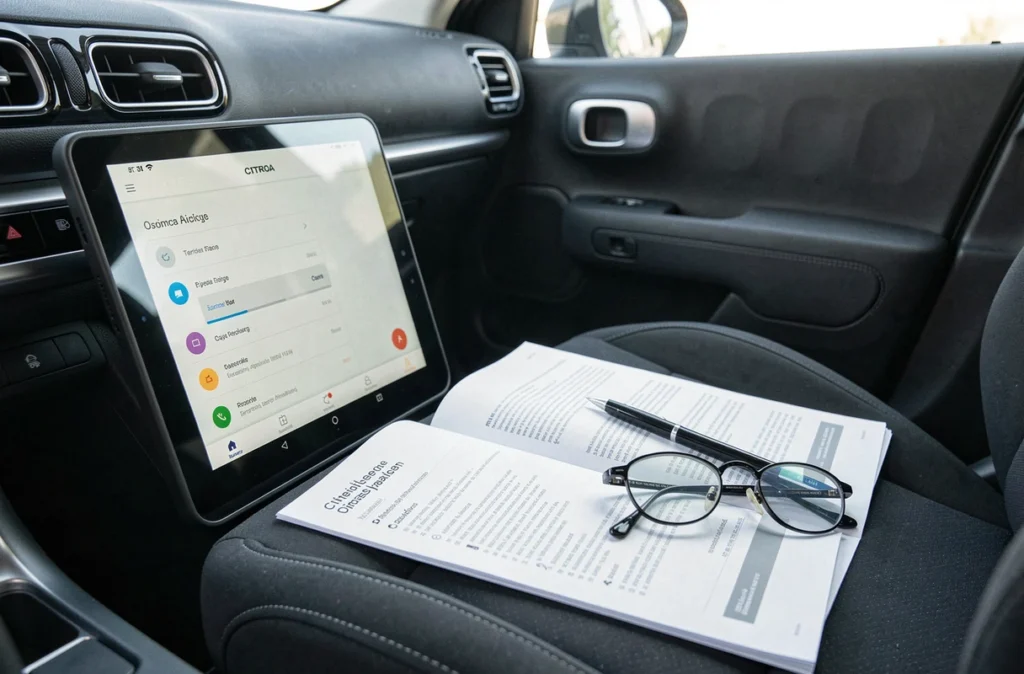
The connected navigation system from Citroën provides real-time services: traffic information, automatic route recalculation, and useful data such as the location of gas stations. These functions go far beyond what the basic manual covers, and many beginner drivers are unaware of their existence.
Connected services require an active connection. Depending on the version, this connection is made through the vehicle’s built-in network or by sharing your smartphone’s connection. Without a network, navigation remains functional in offline mode, but traffic information disappears.
Multimedia System Updates
Citroën publishes software updates to fix bugs and add functions. The user guide recommends regularly checking if an update is available, either through the online portal or directly from the onboard system when the vehicle is connected.
Never turn off the engine during an update. The process can take several minutes, and an interruption may block the system. Park, plug in the vehicle if necessary, and let the procedure finish.
Important Functions Accessible Only via the Touchscreen
Some settings of the C3 Aircross exist only on the touchscreen. The physical buttons on the dashboard do not cover everything. Here are the functions you will only find by going through the touchscreen:
- The configuration of parking assist (activation, deactivation, sensitivity).
- Comfort settings such as air conditioning distribution or advanced audio preferences.
- Bluetooth pairing of a new phone and management of connected devices.
- Access to vehicle information: range, instant consumption, and system alerts.
For a driver used to physical controls, this centralization on the screen requires an adjustment period. Spend a few minutes exploring the menus while stopped before hitting the road. Identify the three or four functions you use most often and memorize their location in the hierarchy.
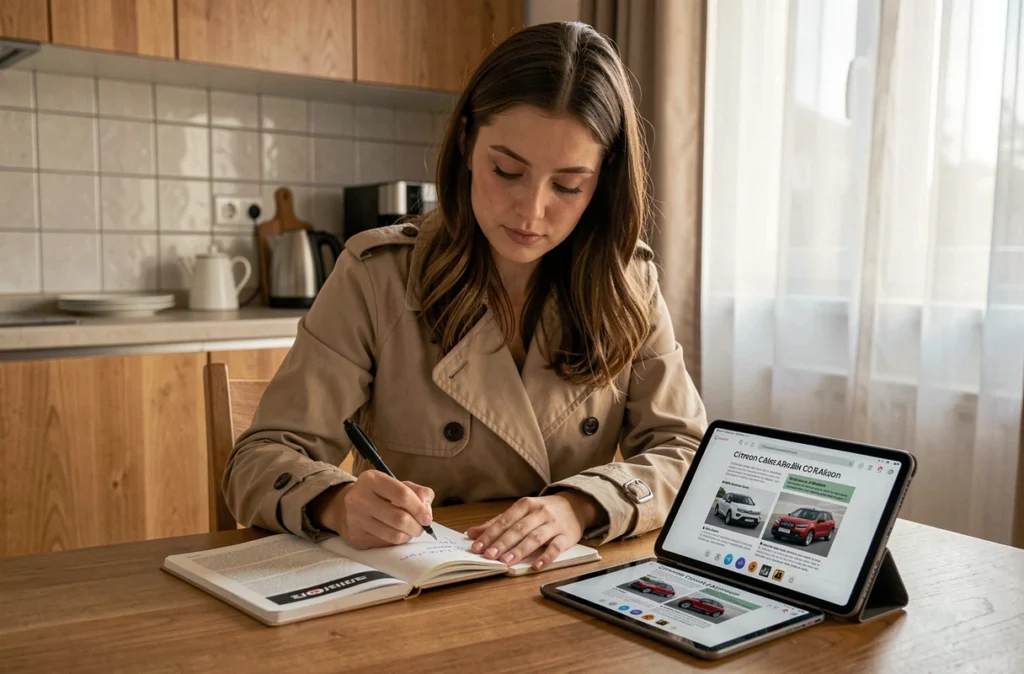
The user guide for the C3 Aircross describes each menu with screenshots, but the version installed in your vehicle may differ depending on the registration date and applied updates. Citroën specifies: descriptions are provided without commitment, and the manufacturer reserves the right to modify features.
Always compare the version of the guide with the one displayed in your tablet’s settings to avoid searching for a function that does not yet exist or has changed location.